
opencode开发环境配置
参考官方网站:https://opencode.ai/docs/zh-cn/
下载与安装
本guide在ubuntu开发机上测试。安装通过官方安装脚本安装:
curl -fsSL https://opencode.ai/install | bash
配置
通过 OpenCode,你可以配置 API 密钥来使用任意 LLM 提供商。如果刚开始接触 LLM 提供商,推荐使用 OpenCode Zen。这是一组经过 OpenCode 团队测试和验证的精选模型。在 TUI 中运行 /connect 命令,选择 opencode,然后前往 opencode.ai/auth。
也可以配置私有本地模型,配置文件在如下位置:
~/.config/opencode/opencode.jsonc
一般添加符合openai格式的自建ai服务,内容展开如下:
{
  "$schema": "https://opencode.ai/config.json",
  "disabled_providers": [],
  "provider": {
    "provider_name": {
      "name": "xxxx",
      "npm": "@ai-sdk/openai-compatible",
      "options": {
        "baseURL": "http://123.123.123.123:3333"
      },
      "models": {
        "your_name": {
          "name": "model_name",
          "limit": {
            "context": 262144,
            "output": 4096
          }
        }
      }
    }
  }
}
使用
配置好提供商后,导航到你想要处理的项目目录。
cd /path/to/project
然后运行 OpenCode。
opencode
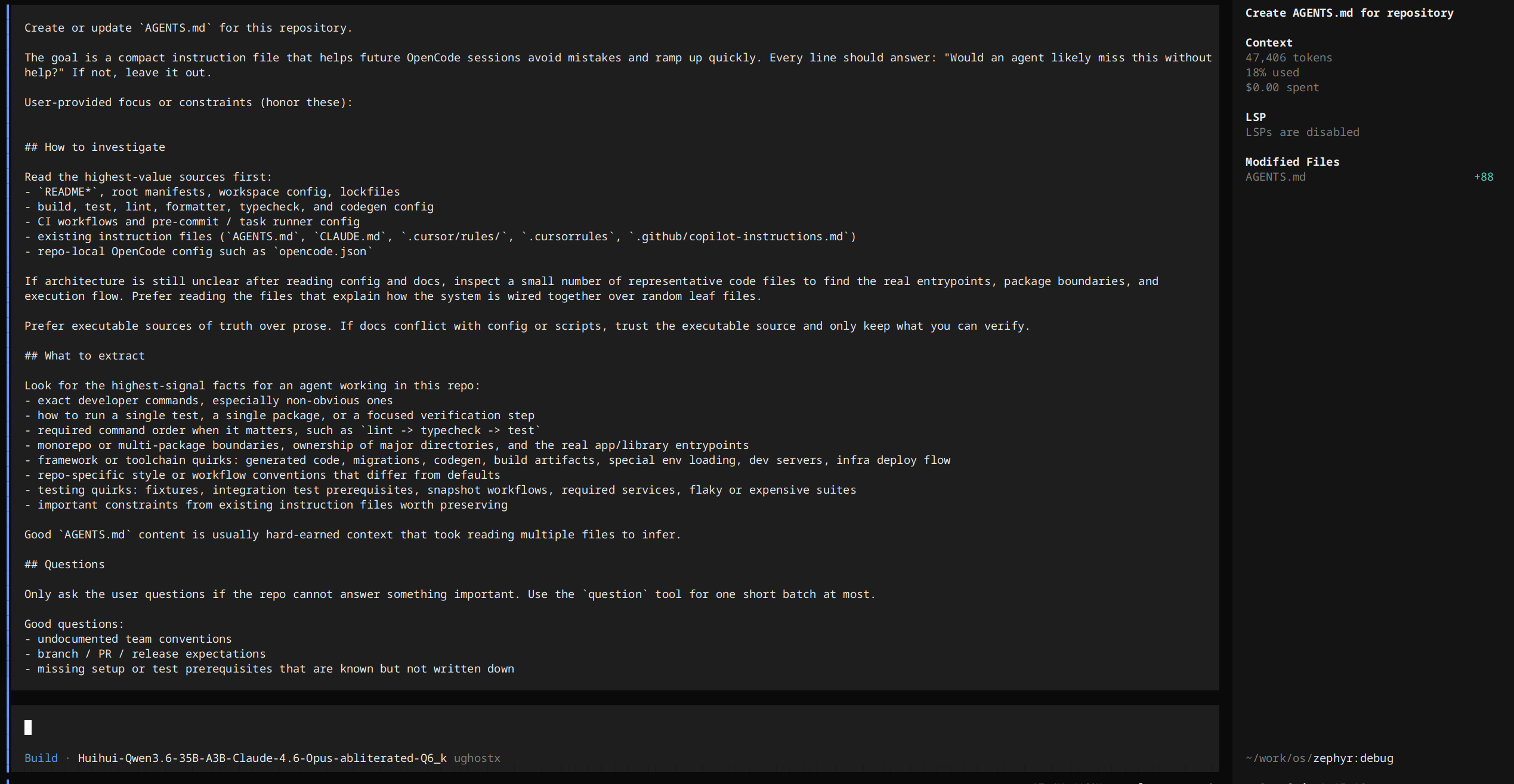
接下来,运行以下命令为项目初始化 OpenCode。
/init